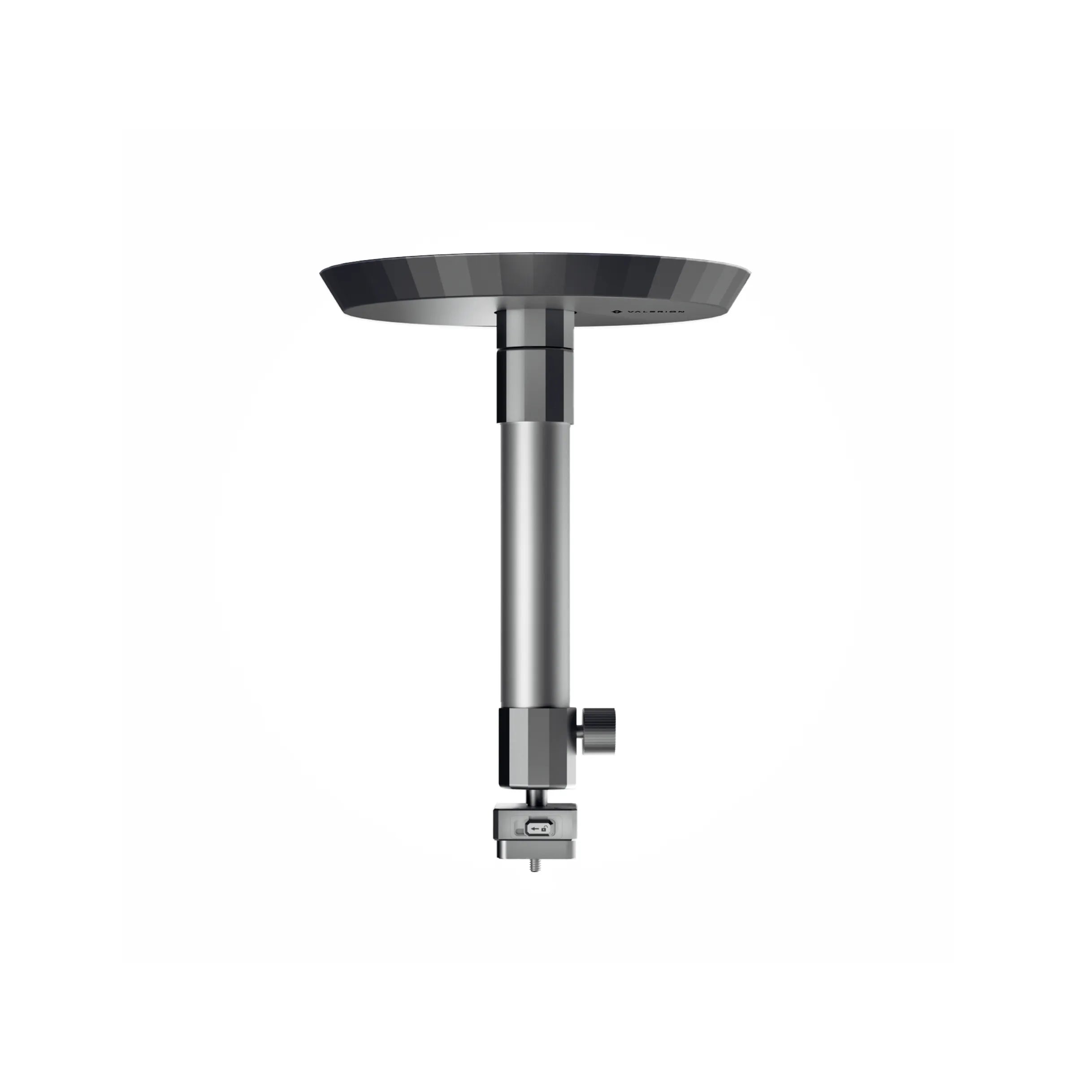
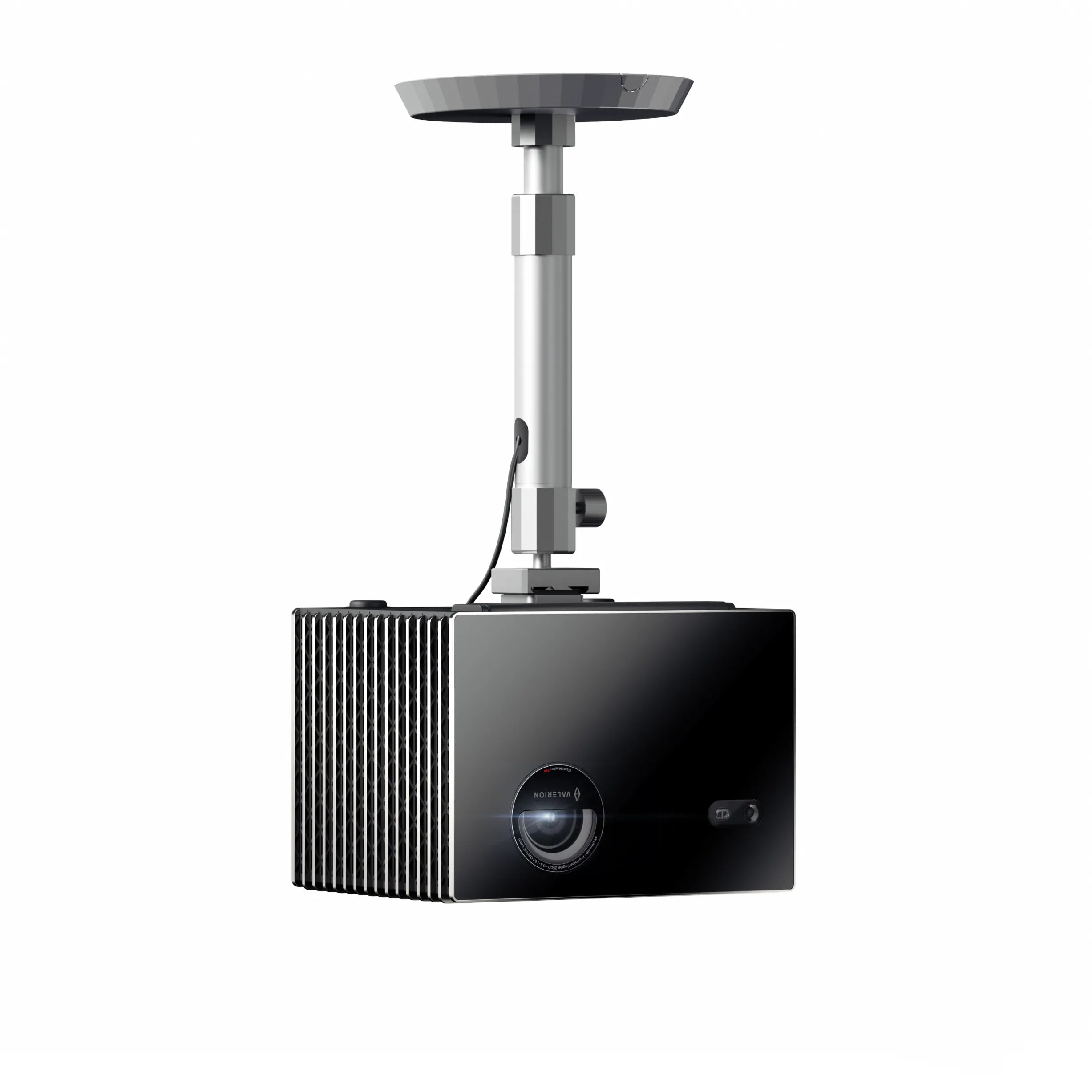
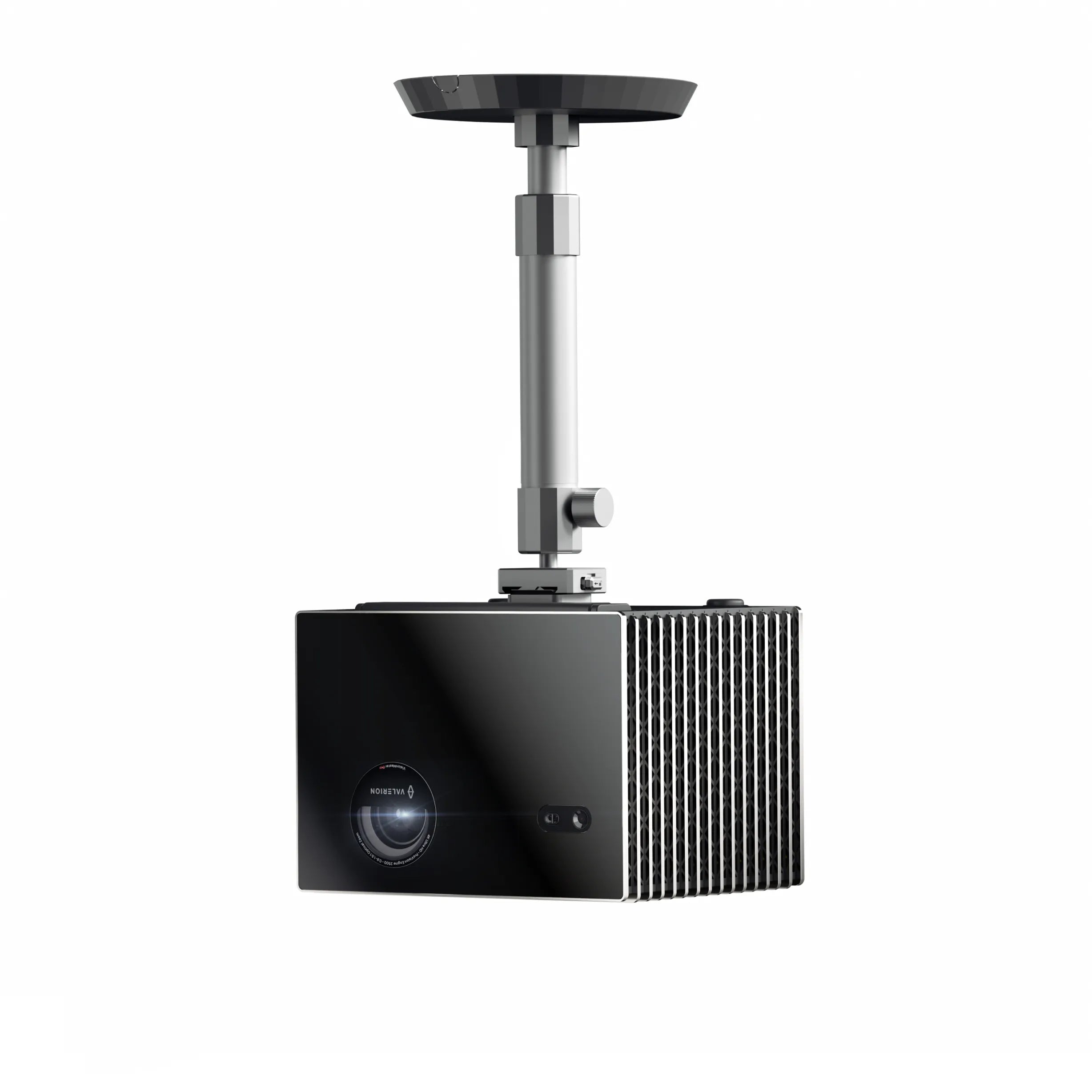
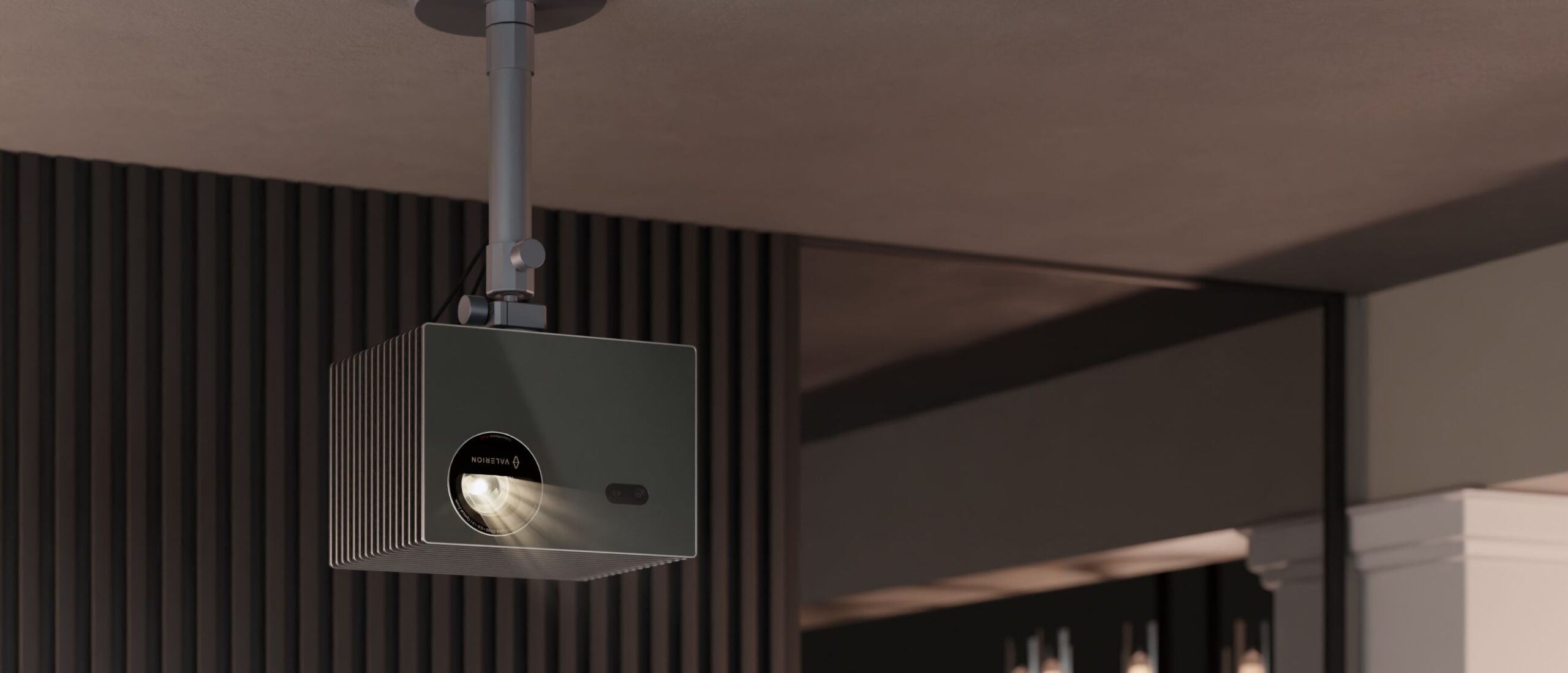
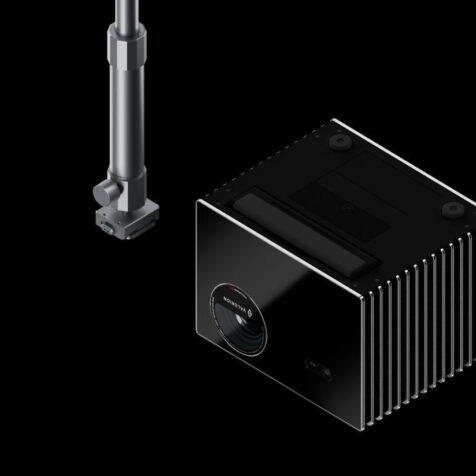
VALERION CEILING MOUNT BRACKET
Designed for the VisionMaster and StreamMaster Series
This sleek and durable ceiling mount is made from high-strength aluminium alloy, securely supporting up to 10 kg for a reliable, long-lasting installation.

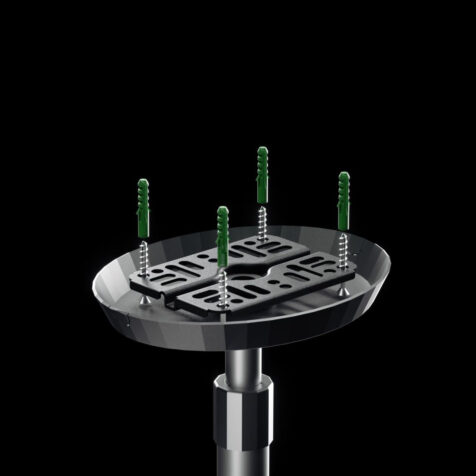
Secure mounting with multi-slot base
The mounting base features multiple slots, providing 4 or more attachment points for a stable and secure ceiling connection.
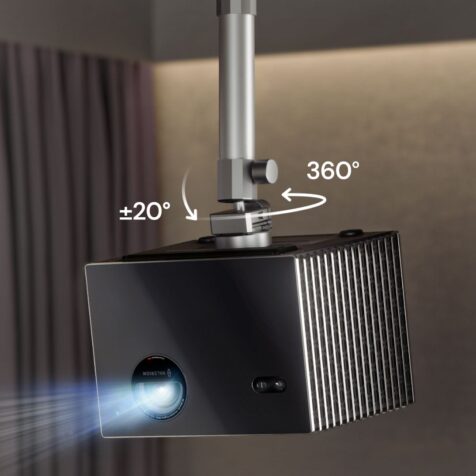
360° horizontal rotation and ±20° vertical tilt
Giving you the freedom to find your perfect viewing angle.


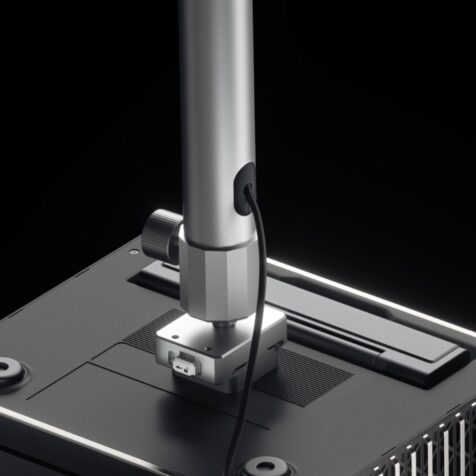
Hidden cable design
Maintain a tidy setup with hidden cable management, seamlessly integrated into the mount for a clean and functional appearance.
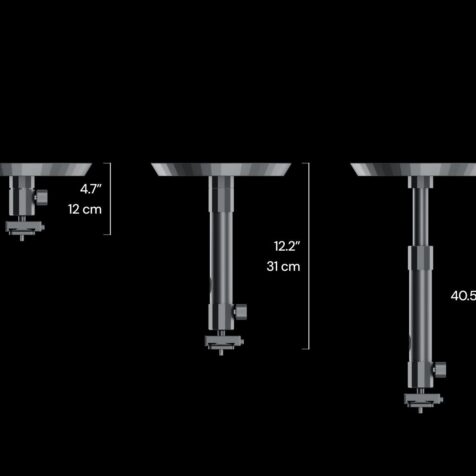
Flexible height adjustment
Offering a minimum height of 12 cm and an adjustable range of 31 to 40.5 cm with the extension rod, providing versatile installation options for various setups.


Quick release & lock system
The quick-release module enables fast and easy projector attachment and removal, while the integrated key-and-lock system ensures enhanced security and peace of mind.
SPECIFICATIONS
- Colour: Space grey
- Material: Metal parts — Aluminium alloy; Decorative cover — PC+ABS
- Compatible Devices: Equipped with a standard 1/4″-20 screw, compatible with devices with 1/4″ screw holes
- Maximum Supported Weight: 10 kg
- Pan/Swivel Range: 360°
- Tilt Range: ±20°
- Height (without extension rod): 12 cm
- Height (with extension rod): 31 to 40.5 cm
Which devices can be mounted to the Valerion Ceiling Mount Bracket?
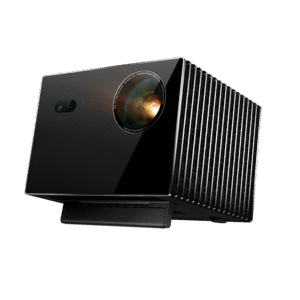
The Valerion Ceiling Mount Bracket is only compatible with the VisionMaster Max, VisionMaster Pro/Pro 2, and VisionMaster Plus/Plus 2.
Can the Valerion Ceiling Mount Bracket be installed on the wall or floor?
The product is designed for ceiling-mounted projectors and is unsuitable for other non-ceiling-mounted scenarios.
Can the projector’s angle be adjusted after installation? How do I adjust it?
The angle can be adjusted after installation is complete. It can rotate 360° horizontally, and the pitch and elevation angles are each adjustable by 20°.
Does installation require drilling holes? Is it necessary to reserve sockets/interfaces?
For installation, use an electric drill to drill holes and reserve a power outlet. If you need to connect to the network or other devices, you should reserve the relevant interfaces in advance.
Do I need to prepare the mounting hardware for installation?
The product package comes with the mounting hardware — no additional preparation is needed.